Had a client tell me today that their son wanted to give them their old computer. My advice. Say thanks but no. It’s a wonderful gesture but often these computers are very slow so your experience isn’t good. New computers and iPads are really not that expensive and you will enjoy them far more. And please don’t buy a cheap netbook – they are slow when you buy them new let alone a few years down the track!!
Similar Posts
What Apps are Using Your Battery?
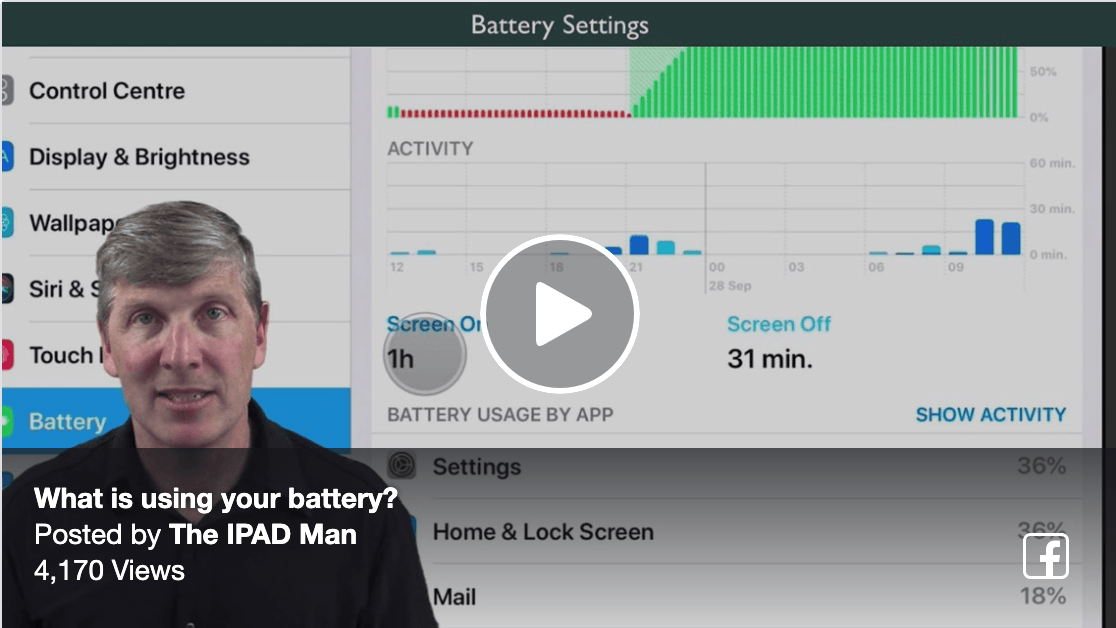
Learn how to check what apps are using the most battery on your device. Let me know which app it is for you and how many hours and minutes over 10 days! Don’t want to miss any tips? Join my weekly newsletter now Highly Recommend Colin As A Educator Roslyn Tilley I thought I was…
Bigpond users stop deleting emails twice! Upgrade to Telstra Mail
Bigpond users stop deleting emails twice! Upgrade to Telstra Mail For Bigpond email users only! If you are having to delete email from your iPad and your computer seperately or if you cannot create folders on your iPad or iPhone then this video is for you. You will learn how to delete your existing old…
Charging Your iPad
Just had a question as to why the iPad was taking so long to charge so thought I’d re-post this. To check the watts of your adapter look underneath where the very small writing is. (and I mean small!!) Sometimes when you have visitors they accidentally take your 10w adaptor and leave their own 5w…
How Many Recipe Books Do You Need?
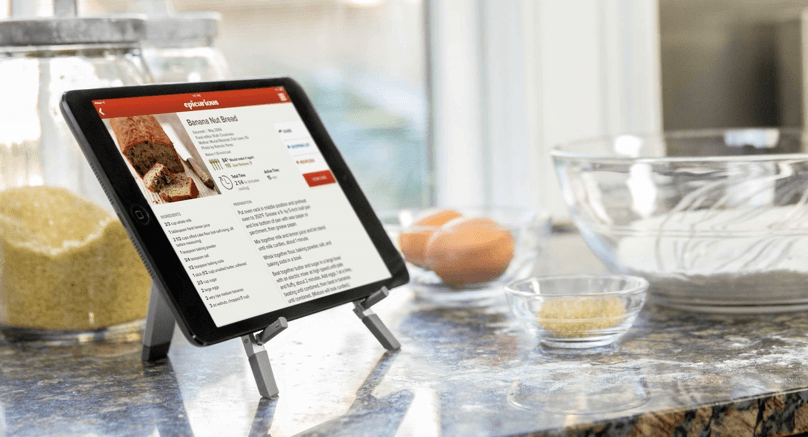
Find out why Colin Dunkerley – The iPad Man – thinks your iPad makes the perfect kitchen accessory. You all love food! So much so that you collect recipes as if you live for 1,000 years! You know I’m right. Most kitchens I visit have a small cupboard filled with recipe books, magazines and those…
Account Recovery
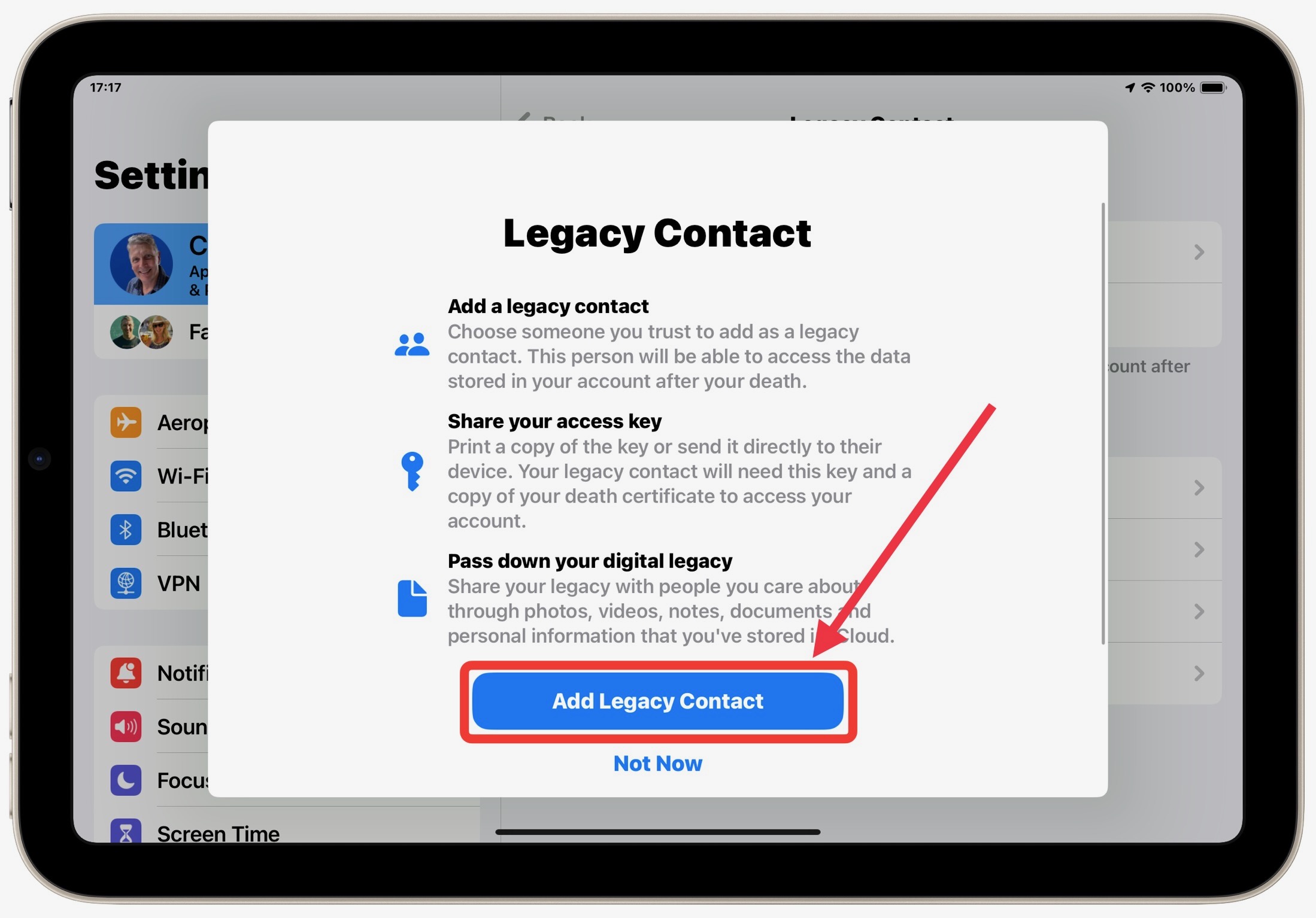
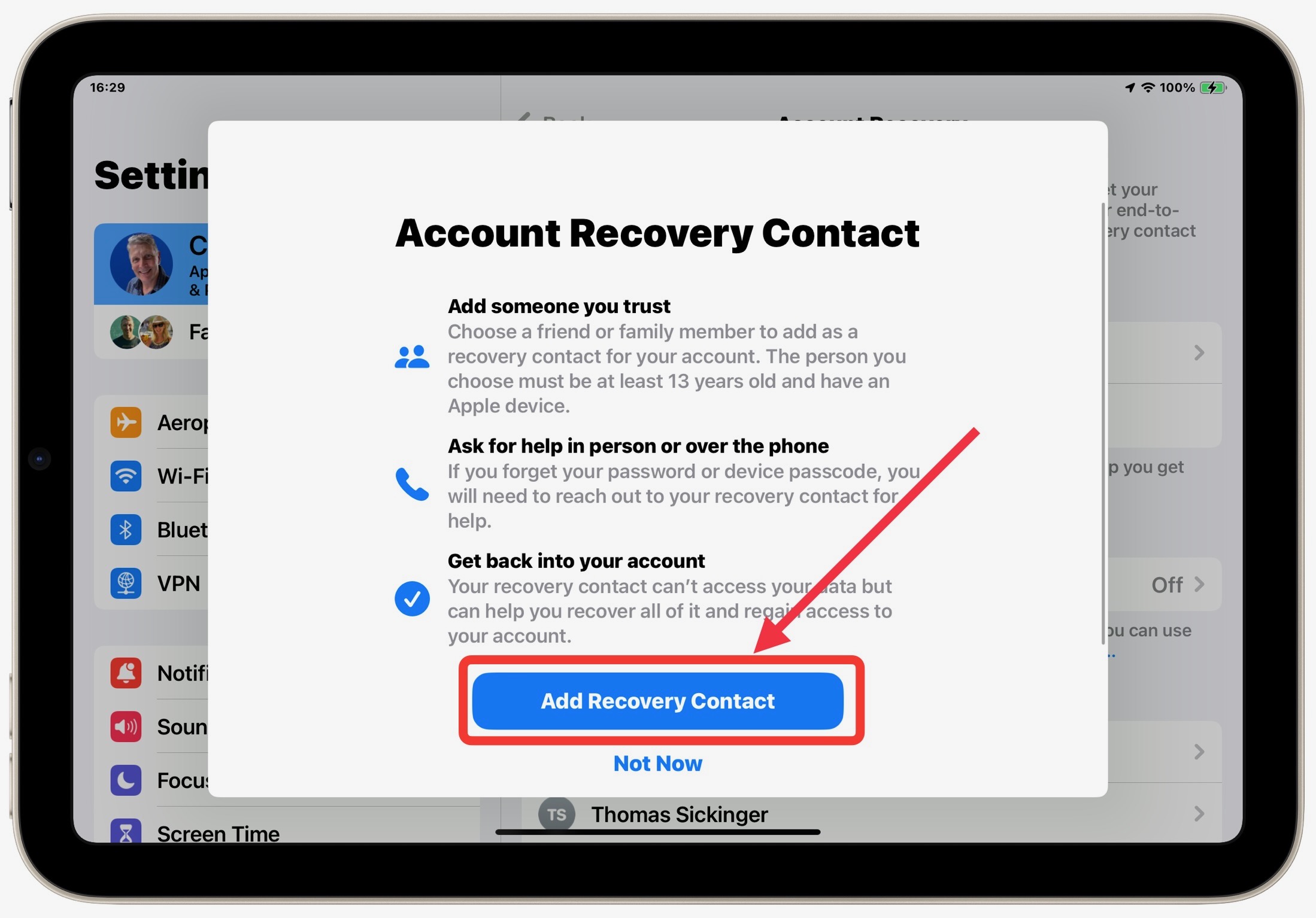
Setup an Account Recovery for your iPad or iPhone Step 1 – Open Settings Find Your Settings App. It may not be on the bottom dock but will be located somewhere on your device. Steps 2 & 3 – Your Name > Sign-in & Security Tap on your Name in the top left of your…
How To Sign A Document On An iPad (or iPhone)
Most people don’t realise that you can sign a legally binding document directly from the iPad or iPhone Mail App. In this video you will see how you can store your signature and insert into any document that you are requested to sign. You can also fill out any document emailed to you using the…